
The Guide - contents
The Storyus GuideReading
For everyone - whatever your role
Arriving Your front page Who sees what Ways to read Views & bookmarksCreating
For members, admins and owners
Getting started Photos & media Journeys Streams Moments Postcards Video Essays Reflections Albums Timelines Magazines Publishing & reachJunior Mode
For guardians and their young storytellers
The idea Being a guardian What your child seesCreating · chapter 1 of 13
Getting started
The Create menu, and the editing grammar every form shares.
If your role is member or up, the header carries a ● Create ● button - and behind it, every form Storyus has. This chapter is the five-minute orientation; the rest of the track takes the forms one at a time.
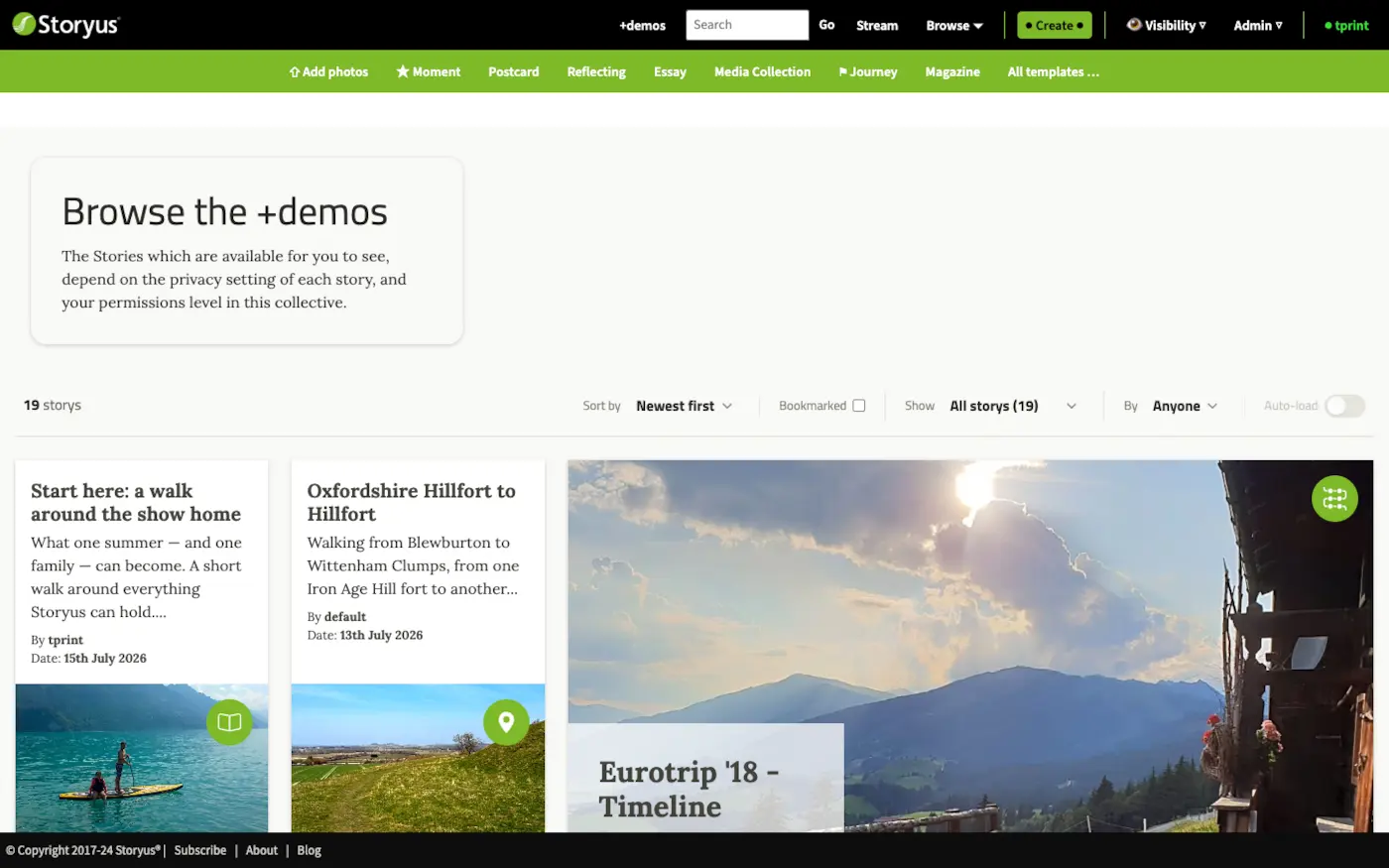
The menu holds the everyday shapes; All templates… opens the full gallery - postcard layouts, video, panorama, weeknotes, Join the Dots - grouped as Quick memories, Writing, and Collections & magazines:
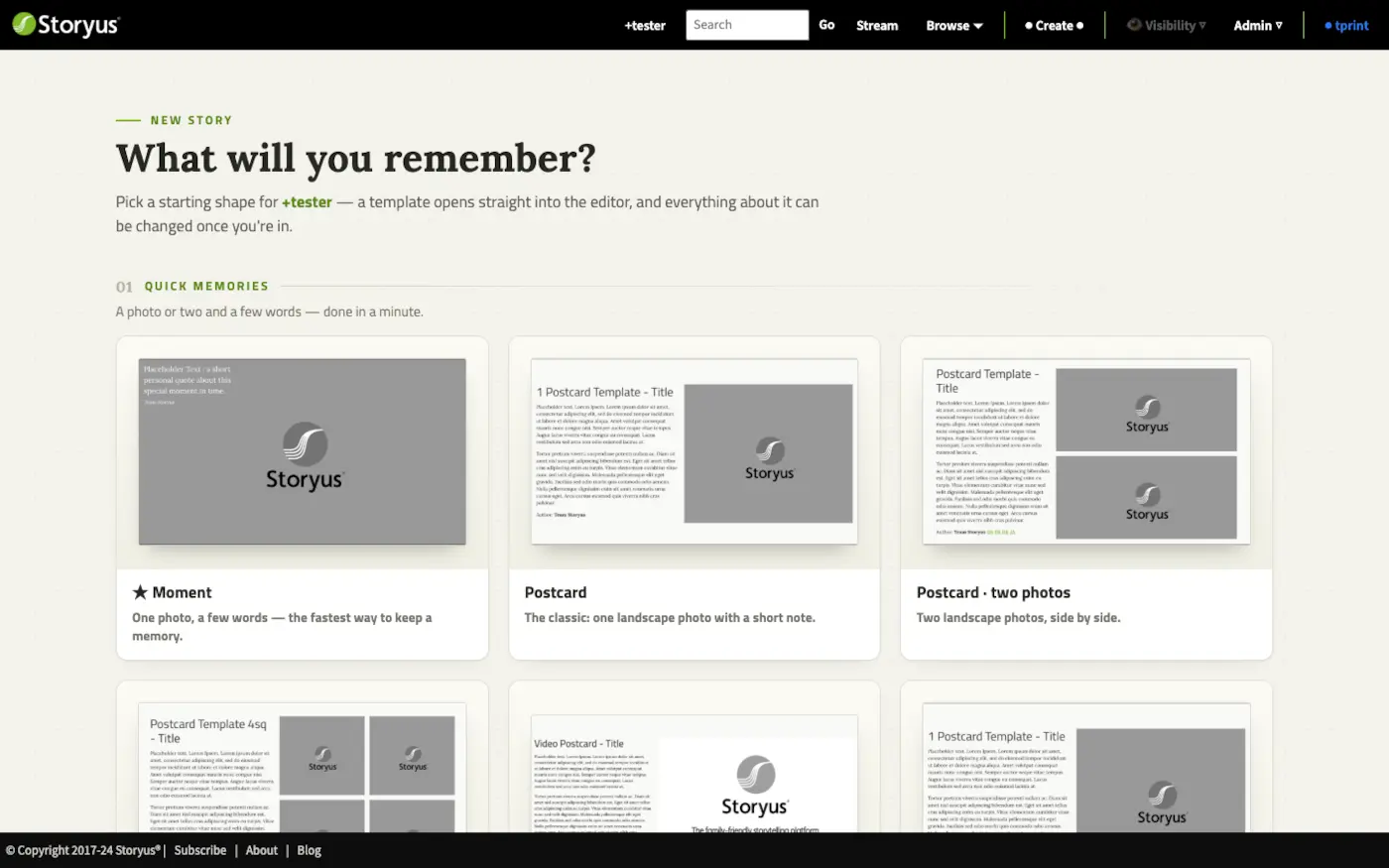
The grammar every editor shares
Choose a form and you land directly in its editor - no forms-before-the-form. Storyus editors all speak the same language:
- Edit in place. The editor looks like the finished story. Anything with a dashed outline is yours to click and type into; photo slots open a picker over your collective's library.
- READ MODE, one flip away. A toggle in the header swaps between editing and exactly what readers will see. Flip often - it keeps you honest.
- Publish applies your changes. Nothing you type is live until you press the green Publish. Fiddle freely.
- Removals are two-step. Anything destructive asks you to confirm - and if a block still holds words or a chosen photo, it says so before letting go.
Try it now
Have a look around the Create menu in your own collective - then start with Photos & media. Everything else builds on it, and the chapter right after turns a handful of photos into a walk on a live map.
Still stuck after the guide? Help & ideas - write to us, and a person reads every message.