
The Guide - contents
The Storyus GuideReading
For everyone - whatever your role
Arriving Your front page Who sees what Ways to read Views & bookmarksCreating
For members, admins and owners
Getting started Photos & media Journeys Streams Moments Postcards Video Essays Reflections Albums Timelines Magazines Publishing & reachJunior Mode
For guardians and their young storytellers
The idea Being a guardian What your child seesCreating · chapter 2 of 13
Photos & media
Uploading, the library, folders, fixing images - the raw material of everything.
Every story form here draws on the same well: your collective's media library. Get photos in early and generously - a story is often just the last five minutes of work on top of photos you added weeks before.
Adding photos
Create → Add photos opens the uploader. Drag a batch anywhere onto the card (or click to pick) - up to 50 at a time, JPEG or PNG, at least 500px along each side. Uploads run in parallel, so a big batch is a kettle's-worth of waiting, not an afternoon.
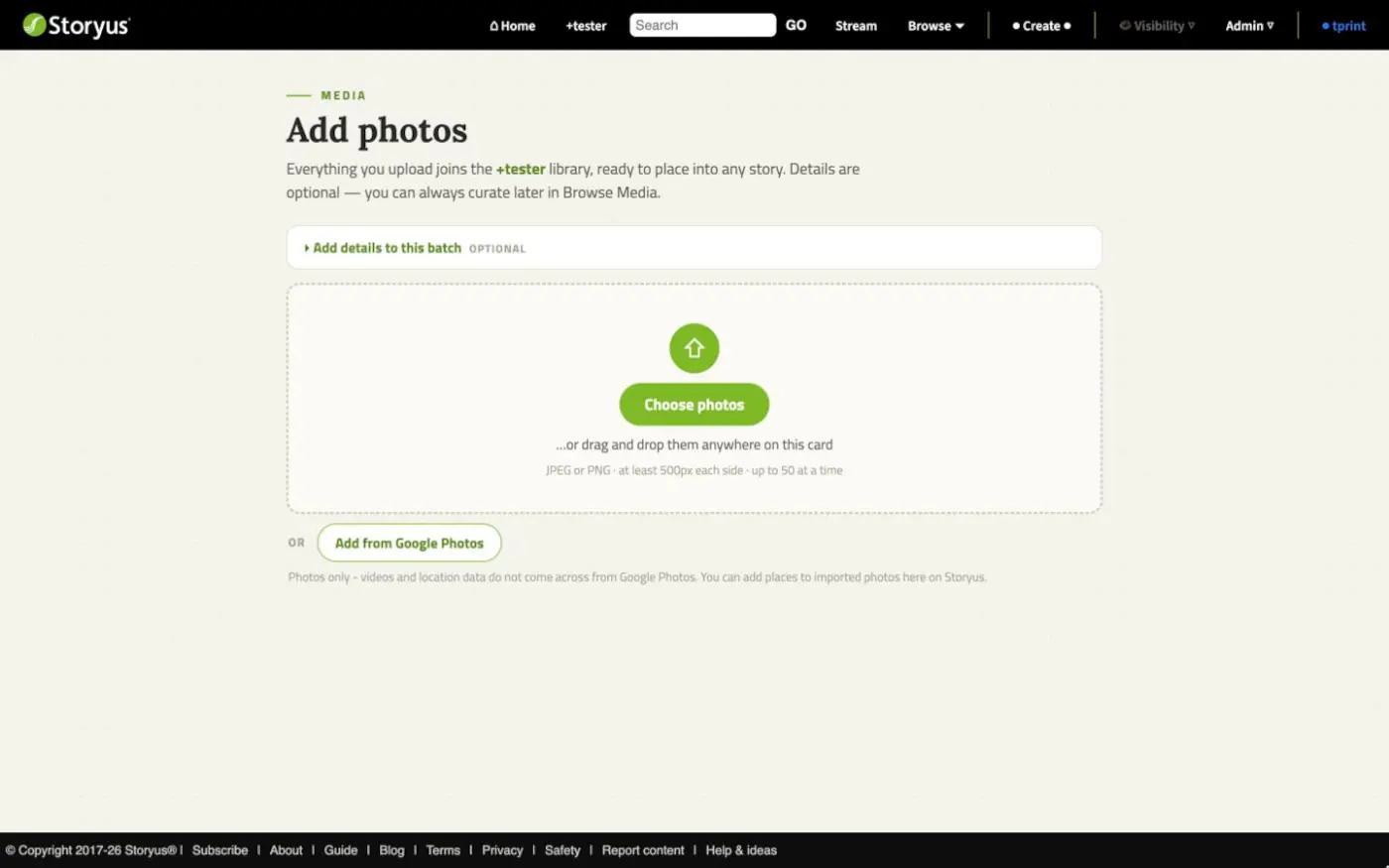
Video files have their own uploader (MP4 or MOV, up to 200MB, five at a time) - for bigger film ambitions see the Video chapter.
From Google Photos
If your family's archive already lives in Google Photos, you don't need to shuttle files through your downloads folder. In the uploader, Add from Google Photos opens Google's own picker - search your library the way you always do, choose the few that matter, and they arrive here at full quality with their taken-dates intact, carrying whatever folder, collection and tags you set first. Google Photos holds the bulk of your photos; Storyus is where the curation takes place.
The library
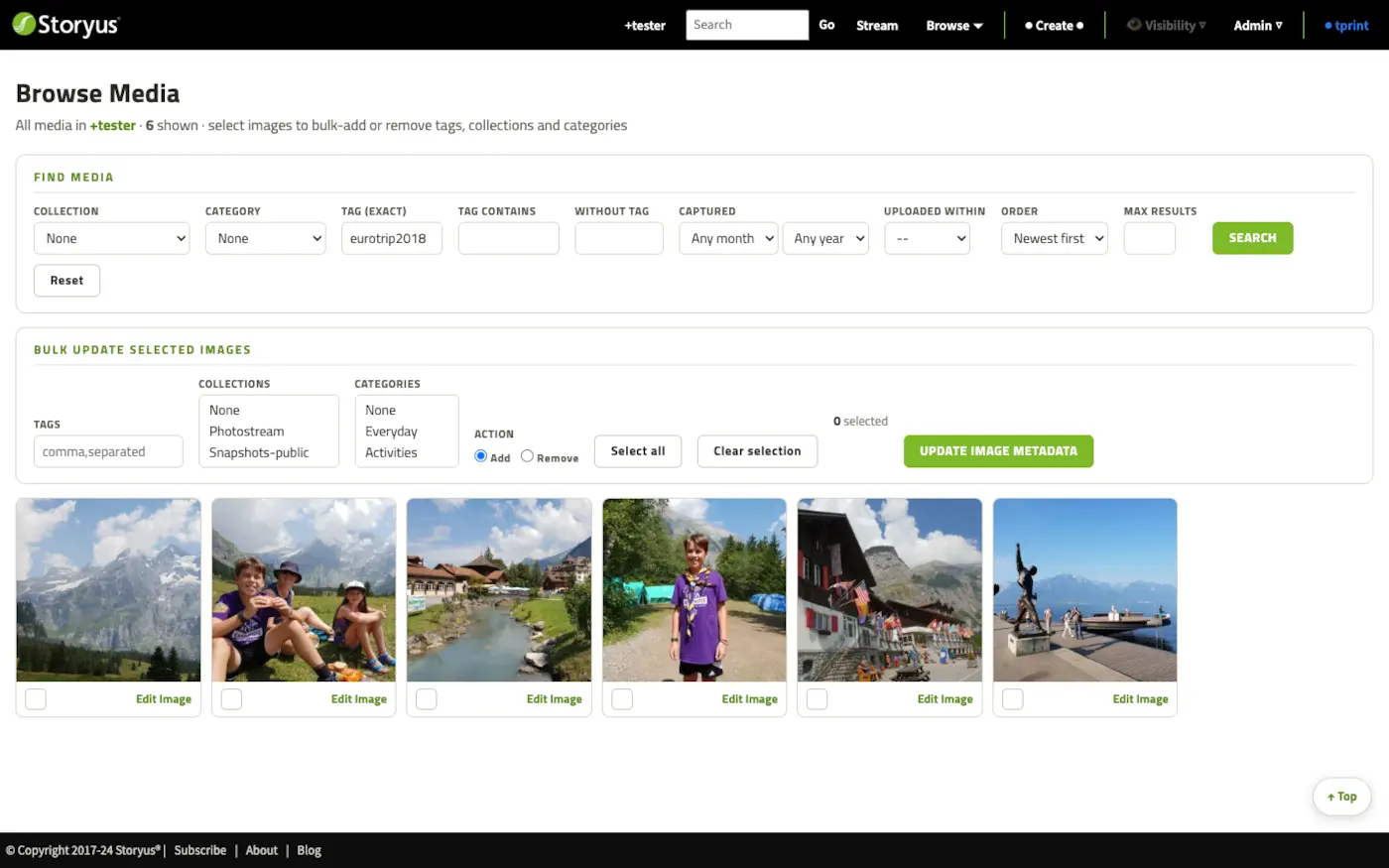
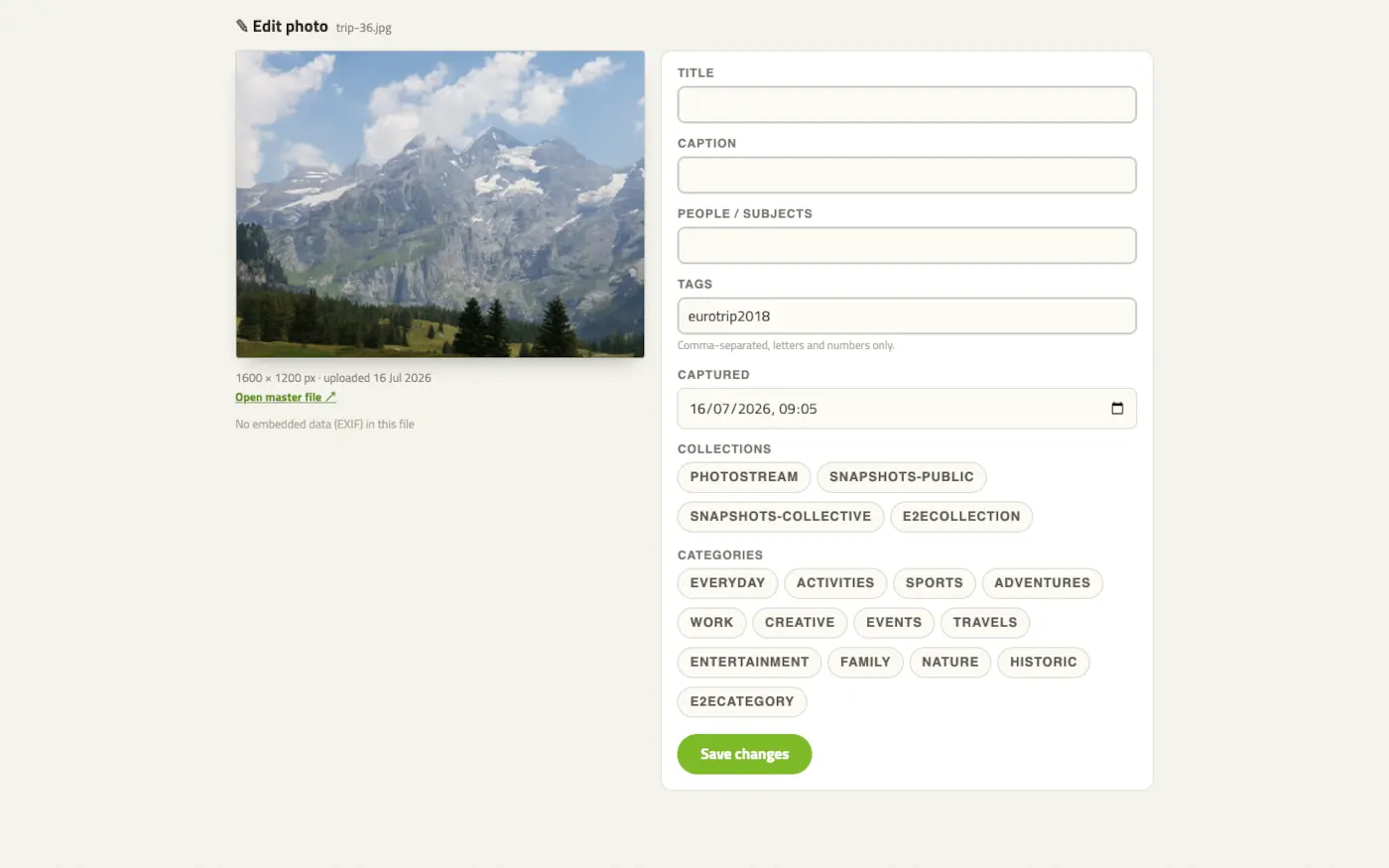
Everything lands in Browse media - the collective's shared library, filterable by collection, tag, category or uploader. This is also where photos get fixed: every image has an Edit Image that opens its details.
Try it now
Upload a handful of photos from one remembered day, tagged with something like that-day. The very next chapter turns that tag into a walk on a map - the best trick in the whole product, and it starts right here at upload time.
Still stuck after the guide? Help & ideas - write to us, and a person reads every message.