
The Guide - contents
The Storyus GuideReading
For everyone - whatever your role
Arriving Your front page Who sees what Ways to read Views & bookmarksCreating
For members, admins and owners
Getting started Photos & media Journeys Streams Moments Postcards Video Essays Reflections Albums Timelines Magazines Publishing & reachJunior Mode
For guardians and their young storytellers
The idea Being a guardian What your child seesCreating · chapter 7 of 13
Video
Bringing film in - hosted on Vimeo or YouTube, told as a story here.
Video works a little differently from photos, and it's worth being straight about why: film files are enormous, and the web has purpose-built homes for them. So the main route is the Video Postcard - your film lives on Vimeo or YouTube, and Storyus gives it the story treatment: a title, your note, your name, a place in the archive.
The Video Postcard
- Upload your film to Vimeo or YouTube first. An unlisted upload works - Storyus embeds it by its ID, so it doesn't need to be publicly listed there.
- Create → All templates → Video Postcard.
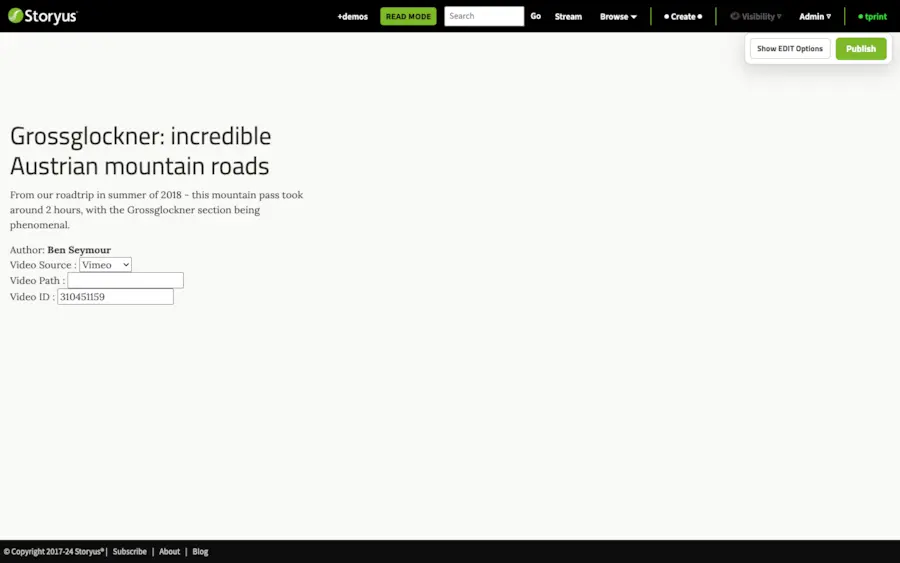
- Pick the platform and paste the video's ID - the code from the video's address - into the editor's video field.
- Write the note and Publish. The film plays right on the story page.
Short clips can also be uploaded directly (MP4 or MOV, up to 200MB) through the video uploader, where they join the media library - handy for the thirty-second clip that belongs beside its photos.
See a finished one
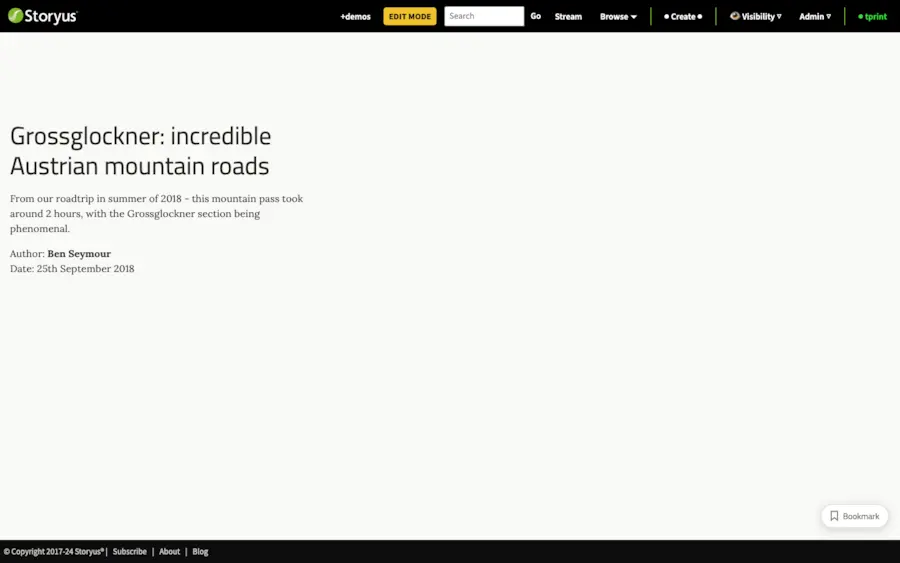
The Grossglockner video postcard in +demos - an alpine road that photos couldn't do justice to.
Still stuck after the guide? Help & ideas - write to us, and a person reads every message.